THE PLAYBOOK · AGMJZYG
Follow the steps for Memory Pairs
Read the aim of Memory Pairs, then make your first move. Match all eight pairs. Your result is the number of two-card turns used. Choose a clear next step rather than rushing through the instructions. Use the opening round to become familiar with the layout. Look at what changes after your first action.
Try a more deliberate round
Locate the buttons and input area before beginning a long round. Use the on-screen labels to avoid an accidental restart. Refer to the controls when needed.
The challenge in front of you
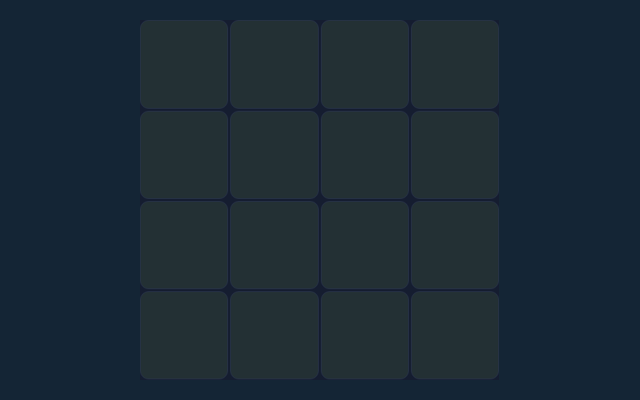
Match all eight pairs. Your result is the number of two-card turns used. Keep that objective in view throughout the round. Check the rules when you are unsure.
From the start of a round
- Turn over any face-down card.
- Choose a second card. Equal symbols stay visible.
- Unequal cards turn back after a short pause.
- Continue until every pair is visible.
How to use the controls
Use the on-screen controls with a mouse or touch. On a smaller screen, keep the active part of the board within view. Make sure you are interacting with the game rather than the surrounding page.
A useful example
Turn over one card, remember its position, then choose a second. A matching pair stays found; a mismatch is hidden again. Use the example as a guide rather than a substitute for reading your board. Consider the next action carefully.
Pay attention to this rule
You cannot turn a third card while a mismatched pair is still being shown. Read the feedback to see why an action did not have the expected result. Read one step at a time and try it on the playing area. Match the instruction to the control you use.
A few questions answered
For this browser game, what is the goal of Memory Pairs?
Keep this in mind: Match all eight pairs. Your result is the number of two-card turns used.
For this browser game, how do I control Memory Pairs?
Keep this in mind: Use the on-screen controls with a mouse or touch.
On this playing page, what example helps explain Memory Pairs?
Here is the relevant explanation: Seeing a star at the top left and another star in the bottom row gives you a matching pair on a later turn.
What should I watch out for in Memory Pairs?
Here is the relevant explanation: You cannot turn a third card while a mismatched pair is still being shown.
As a new player, what format does Memory Pairs offer?
Play using the solo mode shown on this page. Read the controls before starting a new round.
As a new player, which play mode does Memory Pairs use?
Here is the relevant explanation: The mode on this page is Solo. Same-device play uses one screen; this game library does not provide internet matchmaking.